So your family knows what’s where.
Keep important details, documents and contacts together. Choose what to share and with whom.
A planned app for iOS and Android.
See how it works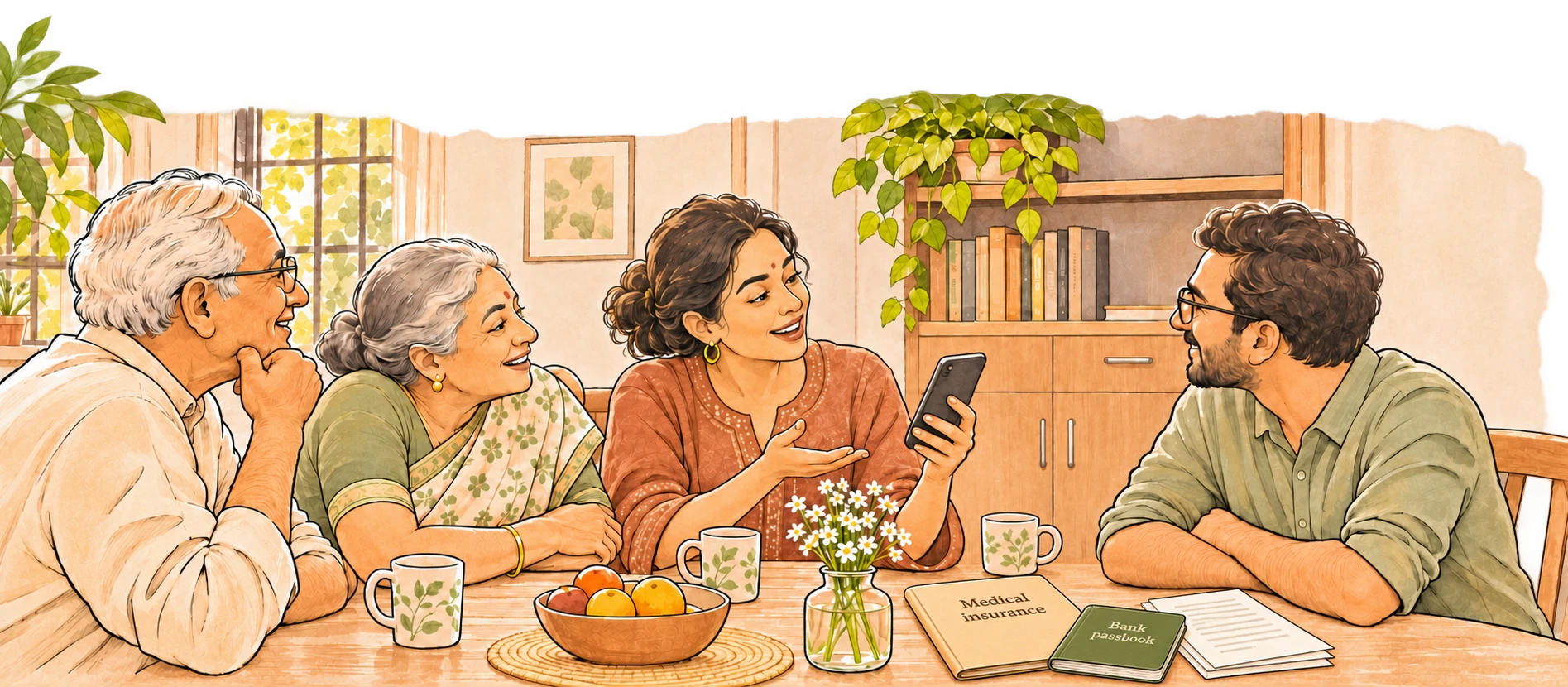
See how sharing works.
For example, a husband adds a copy of the family’s insurance policy and records whom to call for help. He shares those details with his wife.
Know where to look
When his wife needs the family’s insurance details, she knows whom to call and can find a copy of the policy in Dachuko.
Share what each of you looks after
She adds copies of the family’s passports and birth and marriage certificates, notes where the originals are kept, and shares those details with him.
One person can make a start.
You don’t need the whole family to sign up together. Begin with a useful set of information, then bring an adult in your family into the conversation.
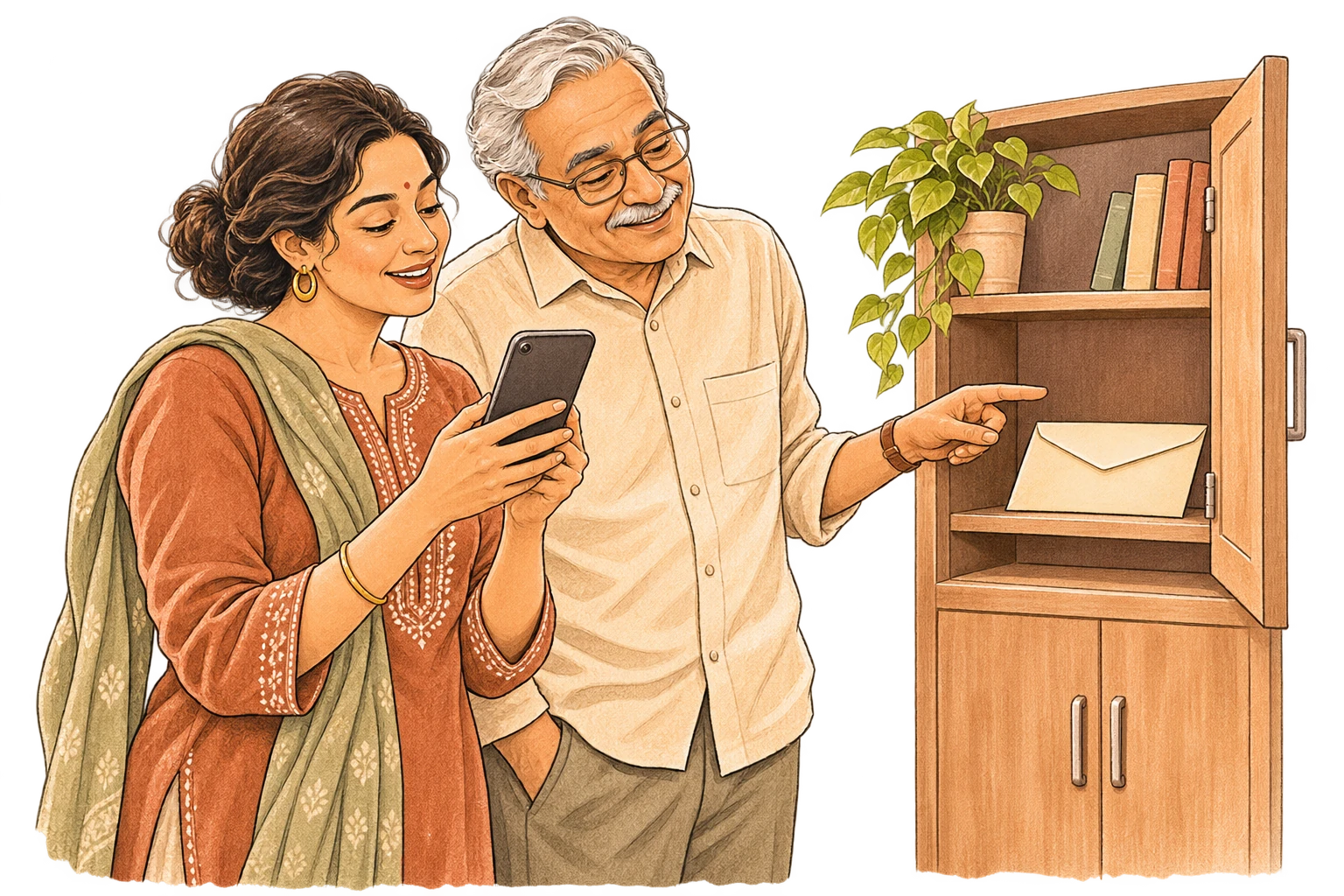
Add useful information
Start with medical insurance, the insurer’s or third-party administrator’s help numberthe insurer’s member-services number, a doctor’s contact and where the relevant documents are kept.
Invite an adult family member
Choose their access, then confirm their account after they accept your invitation.
Walk through it together
Introduce them to the information you’ve shared, so they know where to start looking when it matters.
Keep it current
People allowed to update shared information receive reminders to review it.
About invitations and review reminders
Some information is for later.
A message for your spouse. Words of love or reassurance for your children, written or recorded on video, to receive after your death has been verified.
You choose the messages and who receives them. Recipients agree to receive the information later, with reminders to keep their contact details and access arrangements current.

How would release and follow-up work?
Ready when it matters.
A current family map helps the people you choose find the right details when they need them.
- Keep details current.
Review reminders help your family update shared information when things change.
- Find essentials offline.
Open essentials already saved to your device, even without a connection.
- Know the next step.
Find official claims and recovery guidance for your country.
Help more families prepare.
We’re exploring relationships with employers, advisers, distributors and caregiver organizations.
Corporate employee benefits
Explore Dachuko as an employee benefit that helps your employees and their families prepare for the unexpected.
View employee-benefits enquiryChannel distributors
Explore Dachuko as a value-added service alongside your existing offering. Help your customers or members organize important information so their families know where to find it and whom to contact.
View distribution enquiryGetting started
What should I add first?
Start with medical insurance, its help number, your family doctor and where the documents are kept. You can also add bank-account records, investments, nominee details and professional contacts. Dachuko excludes passwords and login credentials because they can unlock accounts directly. Keep them in a dedicated password manager; Dachuko helps your family find account information and follow official recovery processes.
Why use Dachuko instead of paper or a shared folder?
Paper can be awkward to update, wear out, or be hard to read. A shared folder can work if your family knows where it is and has access. Dachuko puts essentials in one readable family map, with reminders to review them. Share information now, and choose what loved ones may receive after your death is verified.
Family access and upkeep
Does everyone in my family need to join?
No. One adult can start and invite others later. Each map supports up to six adults, including its creator.
Can everyone see or change everything?
No. Viewers read permitted shared information and suggest changes. Editors update shared items; Map Admins manage membership and permissions. Each person controls their personal records, approves changes to them and chooses their release recipients.
How do we keep information up to date?
Editors receive review reminders, initially every three months, with an adjustable schedule. These help your family keep shared details current. They are separate from personal release check-ins and never trigger release.
Personal release
How does personal release work?
You choose personal information or messages to release only after your death has been verified. Recipients agree beforehand. A request or missed check-in can start a review, but only human evidence review can authorize release under your rules.
What happens if you can’t reach me?
Dachuko tries to contact you, then the person you chose from your family map and any agreed backup. These contacts gain no extra access or release authority. An unanswered check-in never unlocks information; death verification is still required.
Who verifies a death, and how long does it take?
A human reviewer verifies the death using supporting evidence. Dachuko shares only the information you selected with the people you chose. Timing depends on the review; no fixed release timeframe is promised.
Does Dachuko replace a will or unlock bank accounts?
No. Dachuko helps families find information and follow official processes. It does not transfer assets, decide inheritance or authorize signing into someone else’s accounts. Legal and institutional requirements still apply.
Privacy and recovery
Can Dachuko read my private records?
Your private records are encrypted on your device before upload. Dachuko stores encrypted backups without access to their contents. Account information and release-review evidence are handled separately.
Can I use Dachuko without an internet connection?
Yes. Essentials already stored on an authorized device remain available within your permissions, with a last-updated time. A new device needs connectivity, sign-in and encrypted-data recovery or authorized provisioning. Removing access cannot recall offline or exported copies.
What if I lose my phone?
Use another device you’ve already authorized for your Dachuko account, or a recovery kit saved outside Dachuko. Signing in alone does not restore encrypted records. If you lose all usable devices and recovery material, you can permanently lose access. Other members’ access does not unlock your restricted records.
What if Dachuko shuts down?
Before a planned shutdown, Dachuko notifies you and provides an opportunity to export information within your permissions. Release restrictions still apply. An export does not guarantee that a later personal release can be completed after the service closes.
Subscriptions
What does the subscription cover?
One family map for up to six adults, with 5 GB for documents and messages, including video. Shared information, review reminders, each person’s personal release service, verification and authorized delivery are included. Paid storage upgrades are available.
Do recipients pay to receive information?
No. Recipients do not need a subscription or pay a separate verification or release fee. Death verification and your recipient choices still apply.
What if payment stops or the person paying dies?
After the payer’s death is verified, your family has 12 months to view and export within existing permissions. Normal service, including new release reviews, continues for at least 60 days; any longer period already paid for is honored. Another adult must take over billing before normal service ends to continue the plan.
If nobody takes over by that deadline, the subscription closes to renewal. The map becomes read-only for the rest of the 12 months, with no new uploads, updates, routine reminders, check-ins or release reviews. Existing stored information remains backed up until its deletion deadline. Its stored data and backups are then deleted, while honoring any longer period already paid for.
For other failed renewals, normal service continues for 30 days, followed by 30 days of read-only viewing/export. Without renewal, the map closes and its stored data and backups are deleted after day 60.
A release review already underway still finishes without another payment. Only information needed to finish it is kept beyond the deletion deadline, until completion. Nonpayment never unlocks information.
Hear when Dachuko is ready.
Launch updates and early-access invitations, sent to your inbox.